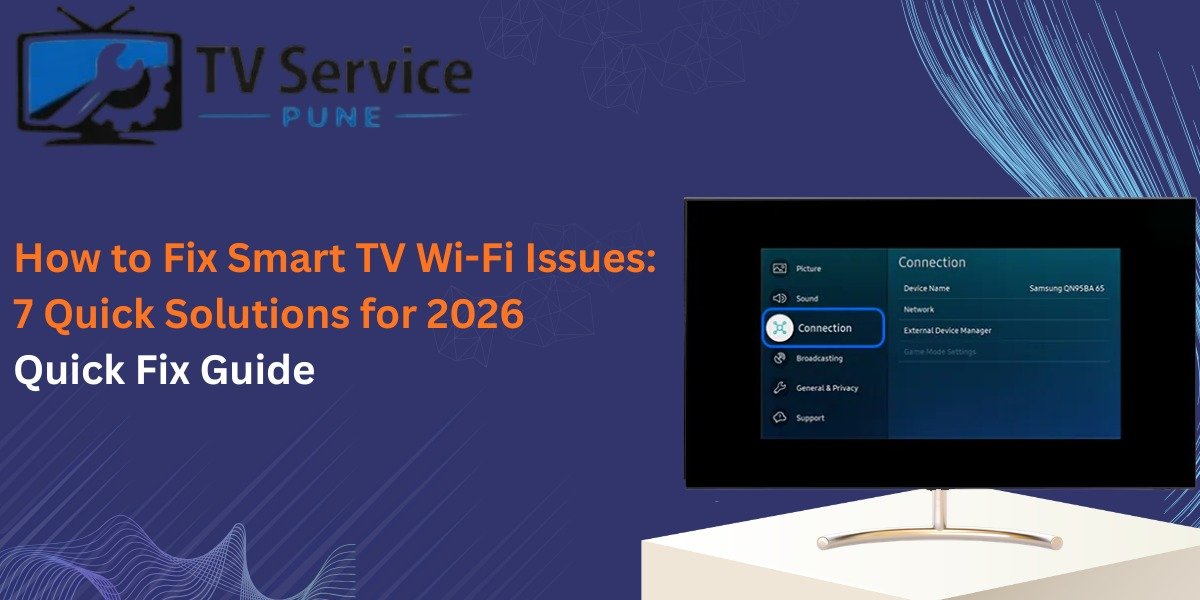
Dealing with Smart TV Wi-Fi Issues? Here is How to Fix It Fast
You finally sit down, popcorn in hand, ready to binge-watch that new series everyone is talking about. You hit “Play,” and then it happens. The dreaded spinning circle. Or worse, a pop-up saying “Network Disconnected.” Smart TV Wi-Fi issues are the ultimate buzzkill of the digital age. If you are struggling with a persistent black screen or connectivity bugs, getting a professional TV repair in Pune might be your quickest path back to entertainment.
We rely on our TVs for everything from Netflix marathons to high-octane gaming. When that connection drops, it feels like being cut off from the world. But before you start looking for the receipt or contemplating a heavy-duty upgrade, take a breath. Most connectivity problems aren’t fatal. They are usually just a digital hiccup.
In this guide, we will walk through the most effective ways to get your screen back online.
Why Your Smart TV is Losing Its Connection
Technology is great until it isn’t. There are dozens of reasons why your set might be acting up. Sometimes it’s a simple distance issue; other times, it’s a deep-seated software glitch.
1. The Signal is Just Too Weak
Distance is the enemy of a stable connection. If your router is hidden in a cupboard two rooms away, your TV is fighting a losing battle. Thick walls and heavy furniture eat Wi-Fi signals for breakfast.
Quick Fix: Try to give your router a “clear line of sight” to the TV if possible. If you can’t move the router, a Wi-Fi extender or a Mesh system might be your new best friend.
2. The Router is Having a Meltdown
Routers are basically small computers. Like any computer, they get bogged down with temporary data and “ghost” connections.
If your router keeps failing, you can follow this complete router troubleshooting guide to identify deeper issues.
Quick Fix: The classic “unplug it and wait” works wonders. Pull the power cord from your router, wait for a full 60 seconds, and plug it back in. This clears the cache and forces a fresh handshake with your TV.
3. Internal Hardware or Software Errors
Sometimes the issue isn’t your internet at all—it’s the TV itself telling you something is wrong. If you see flickering or weird lines alongside your connection drops, you should check out these 7 warning signs your LED TV needs repair to see if your hardware is failing.
Pro Steps to Fix Smart TV Not Connecting to Wi-Fi
If the basics didn’t do the trick, it’s time to get a bit more technical. Don’t worry; you don’t need a computer science degree.
Reset Your Network Settings
Sometimes the saved connection data gets “corrupted.” It’s like a bad memory that the TV can’t shake.
- Navigate to your TV’s Settings.
- Find the Network or Connection tab.
- Look for Reset Network Settings.
- Confirm the reset and then re-scan for your Wi-Fi network. You’ll need to re-enter your password, so have it handy!
Change Your DNS to 8.8.8.8
Sometimes your ISP’s default DNS server is slow or unresponsive. Switching to Google’s Public DNS can bypass these bottlenecks.
- Go to Network Settings > IP Settings.
- Change DNS settings from “Automatic” to “Manual.”
- Enter 8.8.8.8 as the Primary DNS. This often fixes the “Connected, No Internet” error that haunts many users.
When to Call the Professionals
Sometimes, the DIY route hits a wall. If you’ve reset everything and your TV still won’t even see the Wi-Fi network while your phone is sitting right next to it, you might be looking at a hardware failure.
Common hardware issues include:
- A burnt-out Wi-Fi module.
- Antenna cables that have come loose inside the chassis.
- Motherboard glitches caused by power surges.
As of March 2026, data shows that roughly 15% of connectivity issues in smart devices are hardware-related rather than software-based. In these cases, poking around the internal components yourself can void your warranty or cause more damage.
Final Thoughts
Solving Smart TV Wi-Fi issues is usually a process of elimination. Start with the router, check your settings, and only then consider that it might be a hardware fault. Most of the time, a simple reboot or a DNS tweak is all it takes to get back to your favorite shows.
Don’t let a bad connection ruin your evening. Give these steps a shot, and if all else fails, reach out to our team for a reliable TV repair in Pune. We’ll get your screen back in peak streaming condition in no time. If you suspect the problem is more than just the internet, don’t wait for a total breakdown before seeking a professional tv repair to diagnose the internal components. It’s much better to fix a small glitch now than to replace the whole unit later.