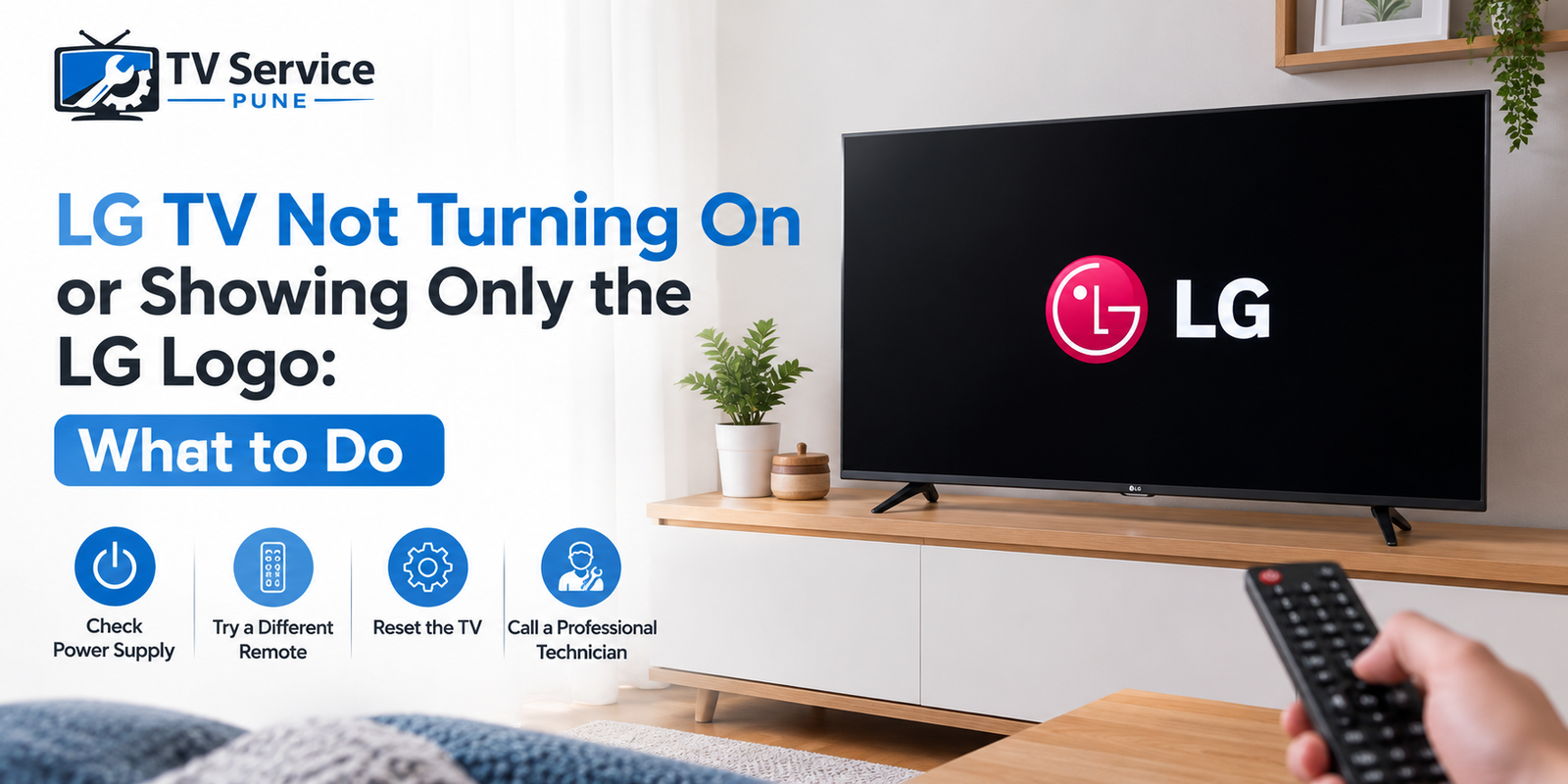
LG TV not turning on is one of the most common faults we see, and it usually shows up in one of two ways: the screen stays dead, or the LG TV is stuck on the LG logo and never reaches the home screen. In some cases the LG TV won’t start at all, or the logo flashes then the screen goes black. The good news is that many of these cases can be narrowed down with a few simple checks at home. This guide explains the likely causes, what you can safely try yourself, and when it is time to call a professional for LG TV repair in Pune.
Why an LG TV Won’t Start or Gets Stuck on the Logo
An LG TV needs several parts to work together before a picture appears: the power supply board, the main board (motherboard), the software that loads on startup, and the backlight that lights the panel. If any one of these fails, the TV can behave in confusing ways. The most common causes are:
- Power supply board failure: Voltage spikes or ageing capacitors stop the board from delivering stable power. The TV may stay off, click, or try to start and fail.
- Corrupted software or a failed update: An interrupted firmware update or a power cut during startup can leave the TV looping on the logo.
- Motherboard fault: A damaged main board cannot finish the boot process, so the TV freezes at the logo or restarts repeatedly.
- Backlight failure: The TV is actually working, but the lights behind the screen are not, so you see only a very faint image or nothing.
- Faulty external device or cable: A bad HDMI device, USB drive or cable can sometimes stop the TV from starting properly.
Knowing which category your TV falls into saves time and money, because each one needs a different fix.
Still stuck on the LG logo?
Tell us what your TV is doing and we will tell you the likely fault and the next step.
Call NowQuick Checks Before You Call a Technician
Try these steps in order. They are safe, take only a few minutes, and solve a surprising number of cases.
- Check the power source. Plug the TV into a different wall socket, and remove any extension board or surge protector. A loose or faulty socket is a more common cause than people expect.
- Do a power reset. Unplug the TV, press and hold the power button on the TV itself for about 30 seconds, then leave it unplugged for a few minutes before plugging it back in. This clears residual charge and often fixes minor boot problems.
- Disconnect everything. Remove HDMI cables, set-top boxes, USB drives and any other connected devices, then switch the TV on. If it starts normally, plug devices back one by one to find the culprit.
- Use the power button on the TV. If the remote batteries are weak, the TV may look dead when it is not.
- Look at the indicator light. A steady light, a blinking light or no light at all gives a clue. No light at all usually points toward the power supply.
- Try the flashlight test. In a dark room, shine a torch close to the screen. If you can faintly see the logo or menu, the TV is running and the backlight is the problem.
LG Logo Flashes Then Black Screen: What It Means
When the LG logo flashes then a black screen follows, the TV is receiving power and starting its boot sequence, but something fails a moment later. There are three usual explanations.
The first is a backlight problem. The TV is working, but the panel is not lit, so you see black. Hearing sound while the screen stays dark is a strong sign of this. If that sounds like your TV, our guide on TV backlight repair signs explains what to look for.
The second is a power supply that cannot hold a steady voltage once the TV draws full power. The logo appears briefly, then the board shuts down.
The third is a software or main board fault that crashes the TV right after it begins to load. If an LG TV flashes the logo then goes black again and again, it is caught in a boot loop, and software or motherboard faults are the leading suspects.
LG TV Stuck on the Logo: Software or Hardware?
If your LG TV is stuck on the LG logo and does not move forward, ask yourself what happened just before the problem began.
It started after an update or power cut. This points to corrupted software. Leave the TV on the logo for ten to fifteen minutes in case it is still completing an update, then do the power reset described above. If your model allows it, a factory reset can help, but never switch the TV off mid-update.
It started suddenly with no obvious trigger. This is more often a hardware fault, either on the main board or in the power supply. If you are unsure which one, our article on motherboard problem vs power supply problems explains the difference in detail.
It happens only when certain devices are connected. The fault may lie with the device, not the TV.
If the TV also shows lines, patches or a split picture after it eventually starts, the issue may involve the display itself rather than the boot process.
When You Need Professional LG TV Repair
If the quick checks do not help, stop troubleshooting and get the TV inspected. Repeated power cycling on a faulty board can make the damage worse. A trained technician will test the TV with proper tools and usually works through these areas:
- Power supply board repair: Replacing failed capacitors, regulators or fuses, which is often far cheaper than replacing the whole board.
- Motherboard repair: Reflashing software, repairing faulty chips or replacing the main board when needed.
- Backlight repair: Replacing the LED strips behind the panel when the TV runs but the screen stays dark.
- Smart TV software repair: Reinstalling firmware and fixing apps or system errors that cause freezing at startup.
- Screen and panel repair: Checking for panel damage if there are visible lines, patches or cracks.
A proper diagnosis comes before any repair. A reliable technician will tell you what is wrong, explain the options and give you an estimate before touching anything. If you want an idea of what to expect on pricing, see our guide to LED TV repair cost in Pune.
Get your LG TV checked at home
A technician diagnoses the fault and gives you an estimate before any repair starts.
Book Service NowLooking for LG LED TV Repair Near Me?
When your TV stops working, the last thing you want is to carry a large set to a shop or wait days for a visit. If you search for LG LED TV repair near me, look for a service that offers home visits, clear diagnosis and a transparent estimate before work begins. A good TV repair service in Pune should be able to inspect most faults at your home and tell you whether the repair is worth doing.
If you are looking for TV repair in Pune, check for these signs of a trustworthy provider:
- Technicians who explain the fault in plain language
- An estimate given before repair starts
- Genuine or quality-tested replacement parts
- Support after the repair is done
If you would rather not spend hours comparing options for tv repair near me, you can contact us directly and describe the problem. We will tell you what is likely wrong and what the next step should be.
Mistakes to Avoid
- Opening the TV yourself. Even when unplugged, power boards can hold a dangerous charge.
- Switching the TV on and off repeatedly. This can stress an already weak power supply.
- Buying random replacement boards online. Boards are model-specific, and a wrong match can cause more damage.
- Ignoring warning signs. A burning smell, buzzing sound or visible swelling means you should stop using the TV and call a technician.
Final Thoughts
An LG TV that will not turn on or stays stuck on the logo is frustrating, but it is rarely the end of the TV. Start with the simple checks, pay attention to when the problem began, and do not wait too long if the basic fixes fail. If you need help, our team provides LG TV repair in Pune with home inspection and clear estimates. Call us or book a visit today, and we will get your TV working again.
Frequently Asked Questions
Why is my LG TV stuck on the LG logo?
The most common reasons are a corrupted software update, a failing main board or an unstable power supply. A power reset is the first thing to try.
Can I fix an LG TV that won’t start by myself?
Simple checks such as a different socket, a power reset and disconnecting external devices are safe. Anything involving the internal boards should be left to a technician.
Is it worth repairing an LG TV that only shows the logo?
In most cases, yes. Power supply and software faults are usually far cheaper to repair than buying a new TV. A diagnosis will tell you for sure.
How long does it take to repair an LG TV that is not turning on?
It depends on the fault. Software and power supply issues are often resolved quickly, while parts that must be ordered can take longer.