
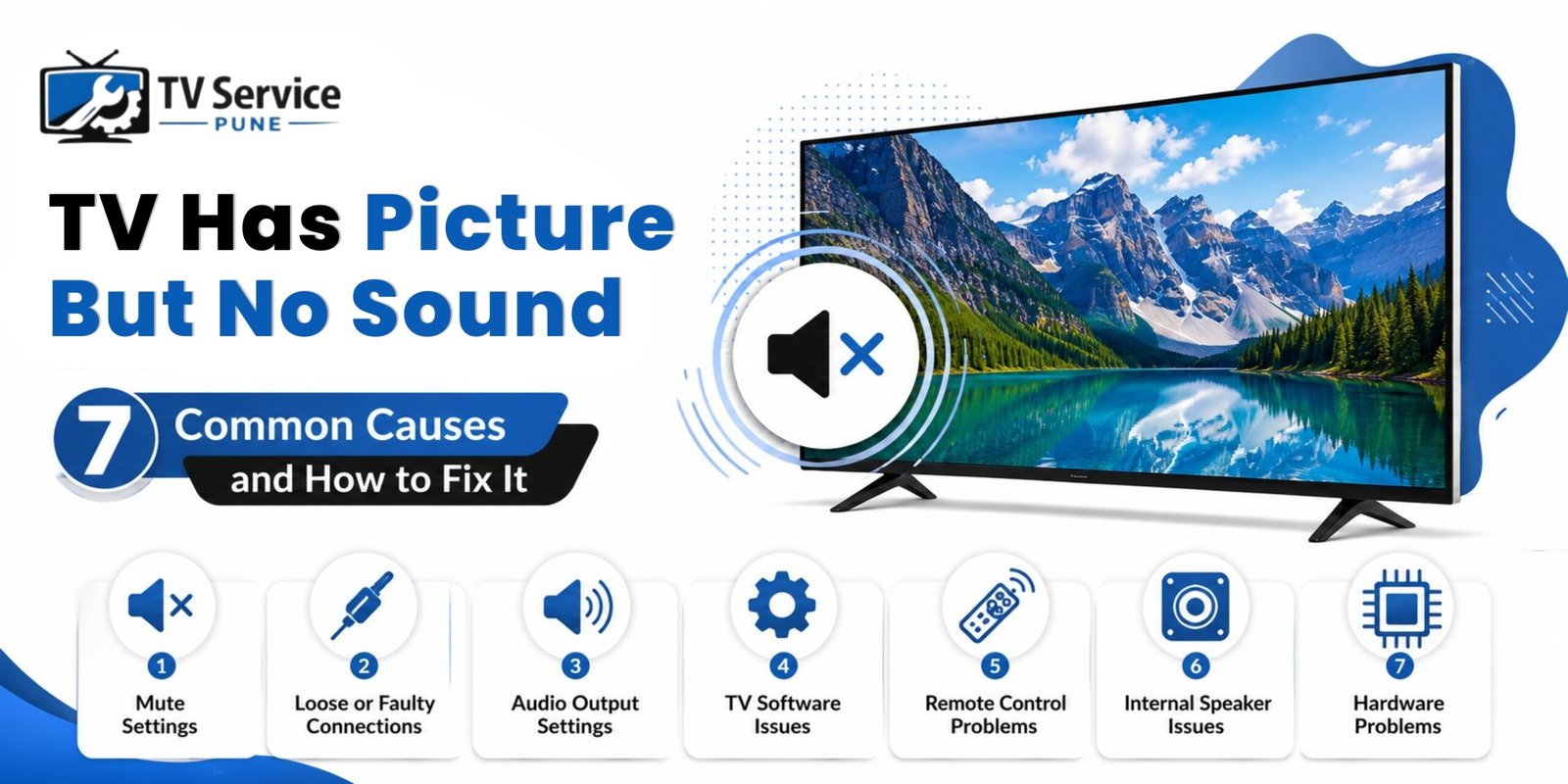
You turn on your television expecting to enjoy your favorite movie or show, but something feels wrong. The picture appears perfectly clear, yet there is absolutely no sound. No voices, no music, and no notifications.
A TV with picture but no sound is one of the most common issues homeowners face and a frequent reason people search for TV repair near me, LED TV repair in Pune, or TV repair service in Pune.
The good news is that this issue is not always caused by major hardware failure. Sometimes a simple setting adjustment restores sound instantly. In other situations, damaged speakers, Smart TV software issues, motherboard faults, or internal component failure may require professional diagnosis.
In this guide, we explain why your TV has picture but no sound, practical troubleshooting steps, and when to contact a trusted TV repair company in Pune.
Why Does a TV Have Picture but No Sound?
Modern televisions contain several systems that work together:
- Display panel
- Internal speakers
- Audio processing circuits
- Motherboard
- Software and firmware
- HDMI communication modules
If even one of these components fails, audio may disappear while the picture continues working normally.
Common causes include:
- Muted settings
- Wrong audio output
- HDMI device conflicts
- Speaker damage
- Smart TV software errors
- Motherboard faults
1. Check Volume and Mute Settings First
Before assuming expensive repairs, start with basic checks.
Try this:
- Increase volume manually
- Press mute once
- Restart TV
- Test volume using the TV buttons
Sometimes remotes malfunction and trigger mute accidentally.
Signs:
- Display norma
- Volume indicator visible
- No sound from any app
This simple check solves many calls received for TV sound repair in Pune.
2. Verify Audio Output Settings
Many Smart TVs send audio to external devices.
Your television may be connected to:
- Bluetooth speakers
- Soundbars
- HDMI ARC systems
- Home theatre systems
Fix:
Settings → Sound → Audio Output → TV Speaker
Restart TV afterward.
This is especially common during Smart TV repair in Pune cases.
3. Test Different Apps and Input Sources
If sound disappears only on one source, the TV may not be faulty.
Test:
- YouTube
- Netflix
- HDMI devices
- USB playback
- Cable connection
Example:
If YouTube has sound but cable does not, check external hardware.
Replace:
- HDMI cable
- Set-top box
- Connected audio devices
If your television has the opposite problem—audio working but no display—you may be dealing with a backlight, screen, or panel issue instead of a sound fault. Read our guide on TV no picture but sound – Causes and Solutions to understand the possible causes and troubleshooting steps.
4. Perform a Power Reset
Electronic glitches can interrupt sound processing and create temporary audio issues.
How to reset:
- Turn off TV
- Remove power cable
- Wait 60 seconds
- Hold TV power button for 20 seconds
- Reconnect power
This clears temporary software issues.
Many users searching for TV repair near me discover this quick fix solves the problem.
If your TV still has picture but no sound after trying these steps, you can also check this external resource:
If your TV still has a picture but no sound after trying the troubleshooting steps above, you can also refer to this external resource: TV Has Picture But No Sound troubleshooting guide. It may help you identify whether the issue is caused by sound settings, connected devices, software errors, or internal TV hardware.
5. Internal Speaker Failure
If settings are correct but no sound returns, speaker damage may be responsible.
Symptoms:
- Crackling sound
- Distorted audio
- Low volume
- Complete silence
Causes:
- Heat
- Dust
- Moisture
- Electrical fluctuations
Test external speakers.
If external audio works normally, internal speaker replacement may solve the issue.
Professional TV sound repair in Pune is often more affordable than replacing the TV.
6. Motherboard Problems Affect Audio
The motherboard controls major television functions.
It manages:
- Sound processing
- Display communication
- HDMI inputs
- Smart features
When motherboard circuits fail:
✔ Picture appears
✘ Sound disappears
Additional symptoms:
- TV restarting
- HDMI not working
- Slow response
- Apps freezing
Professional TV motherboard repair in Pune may be required.
7. Smart TV Software Issues
Modern televisions rely heavily on firmware.
Common issues:
- Audio bugs
- Failed updates
- Wi-Fi conflicts
- Streaming app glitches
Fix:
Settings → Support → Software Update
Update and restart.
If problems continue:
- Reset audio settings
- Factory reset
This is a common issue during Smart TV repair in Pune visits.
Could Screen Problems Cause Sound Issues?
Usually no.
However, display failures often confuse users.
Symptoms include:
- Black screen
- Flickering
- Backlight failure
- Dim display
If your TV screen is damaged, professional TV screen repair in Pune or TV backlight repair in Pune may be needed.
Some TV problems begin with small symptoms before becoming major failures. If you notice display issues, unusual sounds, flickering, or performance problems, read our guide on 7 Warning Signs Your LED TV Needs Repair to identify early signs and avoid costly repairs.
When Should You Call Professional TV Repair Services in Pune?
Book repair if:
- Sound missing after reset
- External speakers work only
- TV restarts repeatedly
- HDMI ports stop working
- Burning smell appears
- Smart features fail
Professional TV repair services in Pune can identify the exact issue quickly.
Services commonly include:
- Audio repair
- LED TV repair in Pune
- TV motherboard repair
- Smart TV software repair
- TV installation service in Pune
Areas We Serve
We provide support across multiple Pune areas including:
TV Maintenance Tips to Prevent Sound Issues
Avoid extreme volume
Continuous loud volume damages speakers.
Keep software updated
Prevents compatibility issues.
Use surge protection
Protects motherboard and audio circuits.
Maintain ventilation
Heat shortens component life.
Schedule servicing
Periodic maintenance helps avoid failures.
If you are unsure whether to repair or replace your television, choosing the right technician matters. Read our guide on How to Find Reliable TV Repair in Pune Near Me to learn what to check before booking a TV service technician.
Final Thoughts
A TV with pictures but no sound does not automatically mean major failure. Start with simple troubleshooting such as checking volume, resetting audio settings, and testing different inputs.
If the issue continues, professional TV repair in Pune can help diagnose speaker faults, motherboard issues, Smart TV errors, and audio failures quickly and safely.
Early diagnosis can often restore your TV without the cost of full replacement.