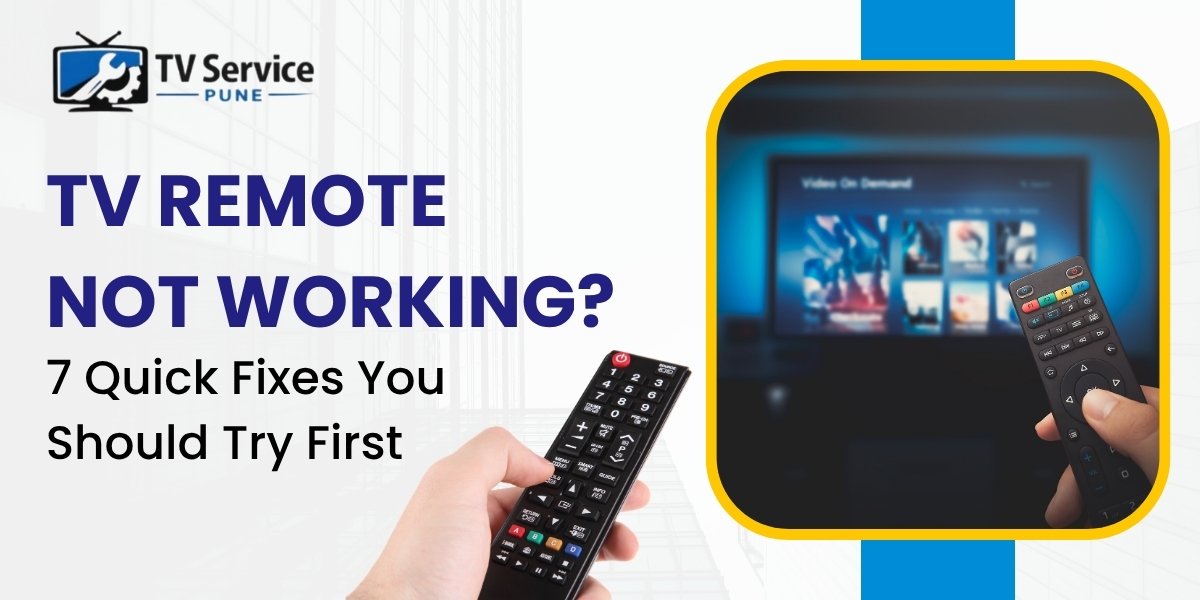
A TV remote suddenly stopping working can be frustrating, especially when you are trying to relax after a long day. Before replacing the remote or calling a technician, there are several simple fixes you can try at home.
Many people searching for tv repair in Pune experience this issue regularly. In most cases, the problem is caused by weak batteries, signal blockage, pairing issues, or temporary software glitches. This guide covers 7 easy troubleshooting methods that may help you fix your remote quickly.
If the issue continues, TV Remote Not Working problems may be deeper than just batteries or signal issues, and professional tv repair services in Pune can help identify whether the problem is with the remote or the TV itself.
1. TV Remote Not Working? Replace the Batteries Properly
Weak or damaged batteries are the most common reason behind a non-working remote.
What You Should Do:
- Use fresh batteries
- Avoid mixing old and new batteries
- Check battery direction carefully
- Avoid low-quality batteries
Sometimes the remote starts working immediately after replacing the batteries correctly.
2. TV Remote Not Working? Reset the Remote
Your remote can freeze due to internal static power.
Quick Reset Steps:
- Remove the batteries
- Press all buttons once
- Hold the power button for 10 seconds
- Insert the batteries again
This simple method fixes many temporary remote issues.
3. TV Remote Not Working Due to Dirty Contacts
Dust, dirt, or battery leakage can stop the remote from functioning properly.
Signs of Dirty Contacts:
- White powder near battery terminals
- Rust or corrosion
- Loose battery connection
Use a cotton swab and rubbing alcohol to clean the contacts gently.
Following basic cleaning and maintenance is one of the easiest tv repair tips in Pune to avoid remote problems.
4. TV Remote Not Working? Check Signal Blockage
Most TV remotes use infrared (IR) signals that require a clear path.
Common Causes:
- Decorative items blocking the TV sensor
- Dust on the sensor area
- Remote pointed incorrectly
- Bright sunlight interference
Ensure there are no obstacles between the remote and the TV.
5. TV Remote Not Working? Test Using Smartphone Camera
You can quickly test whether your remote is sending signals.
How to Test:
- Open your phone camera
- Point the remote toward the camera
- Press any button
Result:
- Blinking light visible → Remote is working
- No blinking light → Remote may be faulty
This simple trick helps determine whether you need remote replacement or professional tv repair in Pune.
6. TV Remote Not Working? Restart Your TV
Sometimes the problem is not with the remote but with the TV receiver itself.
Steps:
- Unplug the TV from power
- Wait for 60 seconds
- Plug it back in
- Restart the TV
This reset solves many Smart TV software glitches.
If your Smart TV still does not respond, expert smart TV troubleshooting may be required. You can also refer to official support resources like LG TV Support for brand-specific help and guidance.
If you are planning to upgrade your television or understand different display technologies, you can also read our detailed LED vs QLED vs OLED TV Guide to compare picture quality, performance, and features before buying a new TV.
7. TV Remote Not Working in Smart TVs? Re-Pair It
Modern Smart TVs use Bluetooth remotes that occasionally disconnect.
Samsung Smart Remote Pairing:
Press and hold:
- Return button + Play/Pause button
for 5–10 seconds near the TV.
Different TV brands use different pairing methods, but restarting both devices usually helps.
Other TV Problems That May Look Like Remote Issues
Sometimes the remote works perfectly, but the TV itself has internal faults.
Common TV Issues:
- Faulty IR sensor
- Motherboard problems
- Display freezing
- Smart TV software errors
- Power supply issues
In such cases, professional tv motherboard repair in Pune or tv backlight repair in Pune may be necessary.
At TV Service Pune, we provide reliable doorstep repair solutions for all major TV brands. If you are searching for tv repair near me, our technicians offer fast inspection and home service across Pune. You can also read our detailed TV Repair in Pune Quick Fix Guide to learn about common TV problems and easy troubleshooting tips.
You can also learn more about our experienced technicians, doorstep repair process, and reliable TV Repair Company in Pune services available across multiple areas in Pune.
Our TV Repair Services in Pune
As a trusted tv repair company in Pune, we provide complete repair solutions including:
- Tv screen repair in Pune – Cracked screens, lines, and display problems
- tv motherboard repair in Pune – No power and startup issues
- tv backlight repair in Pune – No display but sound working
- smart tv repair in Pune – WiFi, app, and software troubleshooting
- tv sound repair in Pune – Speaker and audio issues
- tv installation service in Pune – Safe wall mounting and setup
Whether you want to book tv repair service, schedule tv repair service, or hire tv technician near me, our experienced team provides quick doorstep support.
TV Repair Services Across Pune
We provide fast and reliable tv repair services in Pune across multiple locations including:
- tv repair in Nanded City Pune
- TV Repair in Warj pune
- TV Repair in Khadakwasla pune
- TV Repair in Katraj pune
- TV Repair in Taljai Tekdi pune
- TV Repair in Karvenagar pune
If you want to get tv repair at home, our technicians visit your location and diagnose the issue quickly.
Tips to Keep Your TV Remote Working Properly
- Avoid dropping the remote
- Keep batteries clean
- Protect the remote from water
- Clean the remote regularly
- Replace batteries on time
These simple maintenance habits can prevent future remote issues.
Final Verdict
A non-working TV remote does not always mean you need a replacement. In many cases, changing batteries, cleaning contacts, restarting the TV, or re-pairing the remote can solve the issue within minutes.
However, if your TV still does not respond, professional inspection may be needed to check for sensor, motherboard, or Smart TV software problems.
For trusted doorstep tv repair in Pune, expert technicians can help diagnose and repair your TV quickly. You can also contact our team through the Schedule TV Repair Service to get fast assistance for all TV-related issues.